Written by Paige DeLozier
Every teacher knows that effective communication with students’ families is essential to building a supportive classroom community. The reality, however, is that not all family engagement solutions are created equal—with educators and families in mind.
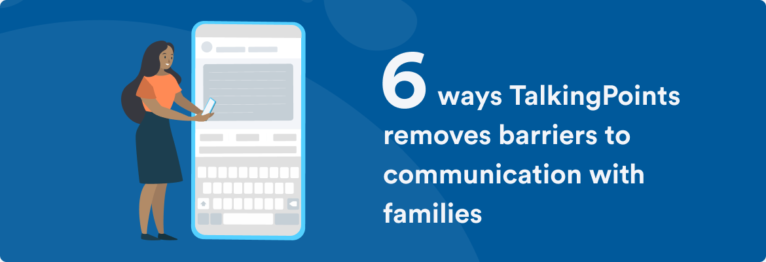
TalkingPoints’ mission of driving Universal Family Engagement is evident in every feature of the platform. Here are a few of my favorite features and how they remove barriers for teachers and families every day.
Enhanced translation
Barrier: Language
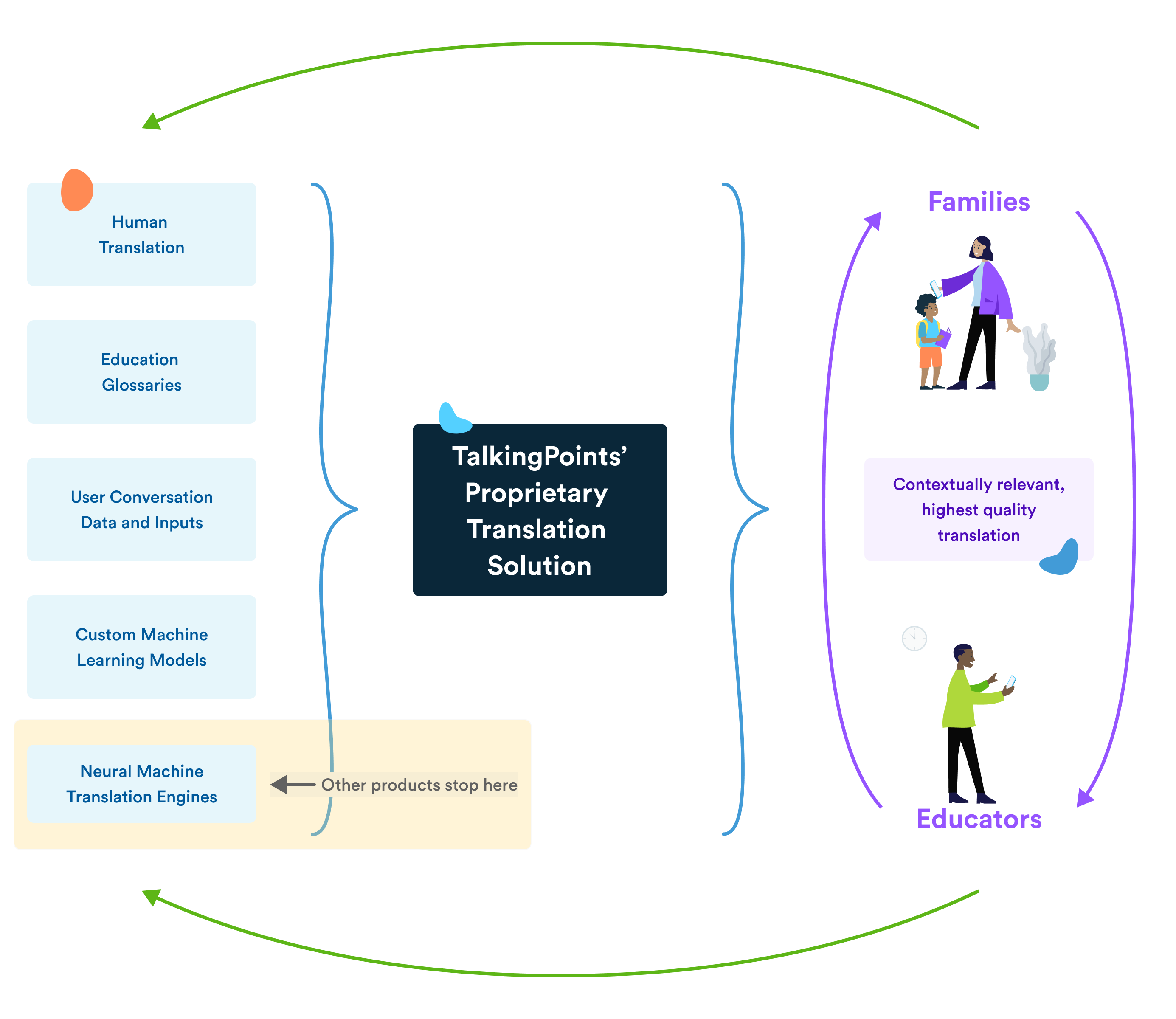
TalkingPoints is most known for its translation capabilities, and for a good reason! Not only does the app support message and announcement translation in 150 languages, but the enhanced translation goes beyond “the basics” teachers are used to. TalkingPoints’ translation solution uses education-specific language that might otherwise be mistranslated. Feedback from users and translators continually informs and improves the algorithms to best support family-school partnerships.
Speech-to-text & Text-to-speech
Barrier: Literacy levels
With the varied educational backgrounds of students’ families in mind, and to make messaging as easy as possible, the TalkingPoints for Families app includes both speech-to-text and text-to-speech capabilities.
Whether a literacy barrier i exists in English or another language, this support removes any potential hesitation that may hinder important family-to-school communication.
Readability Flags
Barrier: Literacy levels
In addition to literacy considerations on the TalkingPoints for Families app, the TalkingPoints for Teachers web experience supports composing announcements that will be understandable to all families.
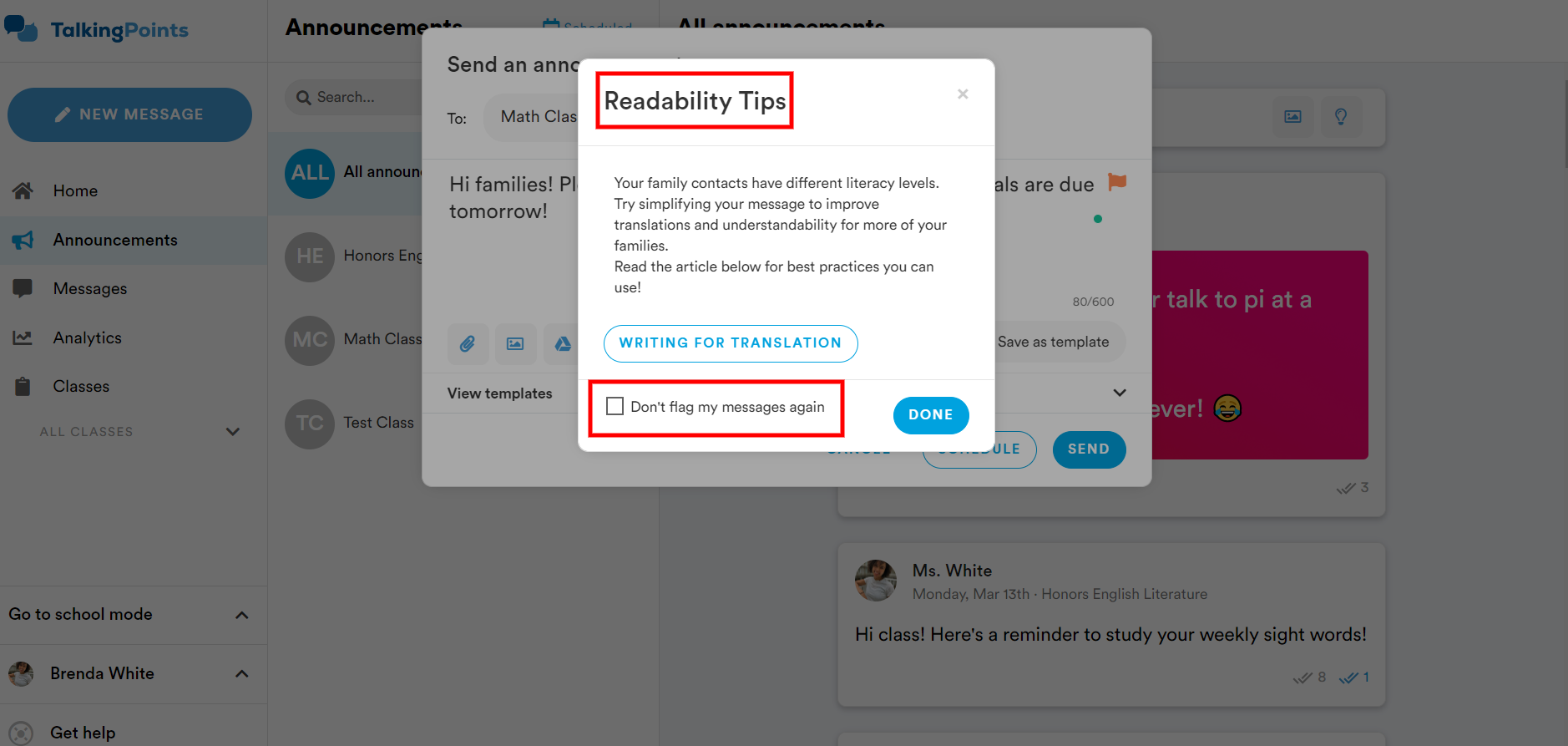
Readability Flags alert educators when they begin to write a message that exceeds a 6th grade reading level. It provides tips on how to simplify the text of the message. Although it is optional, the recommendation is made considering two important things: the varying literacy levels of the families receiving the announcement and the translatability of the phrases being typed.
Videos with translated captions
Barrier: Language, unfamiliarity, understanding, time
One of the TalkingPoints features that I think allows for the most creativity, videos with translated captions, is another barrier-removing tool. This one is fun because teachers can decide which problem they want to solve and jump right in!
- Allow families to read along with a short story by reading it to them and captioning in their preferred language.
- Introduce yourself to families with a quick personal tour of your classroom before the first day or open house.
- Walk through today’s math problem so no grown-ups feel lost when homework questions arise.
Ed101
Barrier: Unfamiliarity, understanding, access
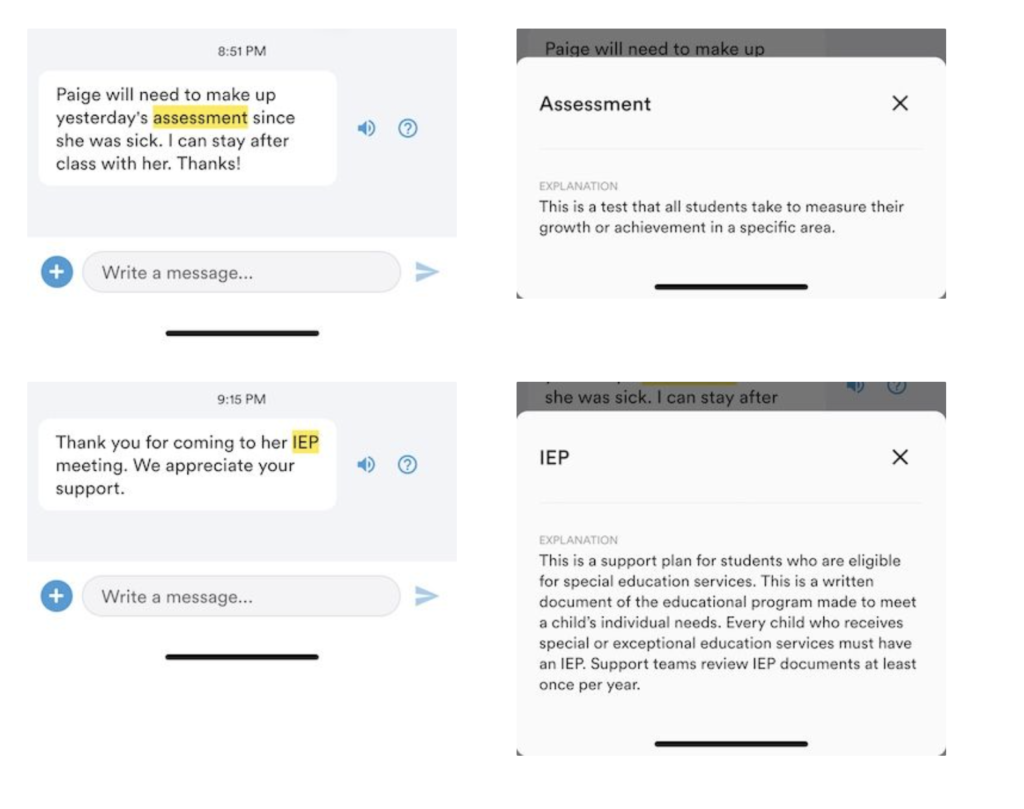
TalkingPoints recognizes that not all family members have experience with the US educational system – that’s where Ed101 comes in. Families on the TalkingPoints for Families app see education-specific terms highlighted in their messages. Families are supported with definitions of these terms, which are written to cater to lower literacy levels – ensuring they’re easily understandable. For example when teachers send through terms like “IEP”, “field trip”, or “sub”, the app highlights and defines them to prevent any feelings of embarrassment or confusion that might break down communication
Help me understand
Barrier: Understanding, human error, literacy
People make mistakes. What happens when those mistakes go through translation? Well, a message might not quite make sense. But TalkingPoints allows messages to be sent back to a human translator for review, which helps everyone understand.
The “Help Me Understand” feature is available on both the TalkingPoints for Teachers and the TalkingPoints for Families apps. If a message comes through and is unclear, a teacher or family member can select the question mark button to check for grammatical errors. If there is still an issue with clarity, it can be sent for review by a human translator.
Learn more
Join us for Ask Me Anything on Thursdays at 4:30pm CT Live on Facebook, YouTube, and Twitter. We discuss a new topic, you can ask your FAQs, and there is a weekly challenge.
If you’d like to share TalkingPoints with your teammates or school, click here to sign up for a pre-made kit and swag! Let’s get everyone #TalkingTogether.